Feedback & Support
Village is in active development. Your feedback is one of the most valuable things you can provide — it directly shapes what gets built, fixed, and prioritized next.
There are several ways to get help or share feedback from within the app.
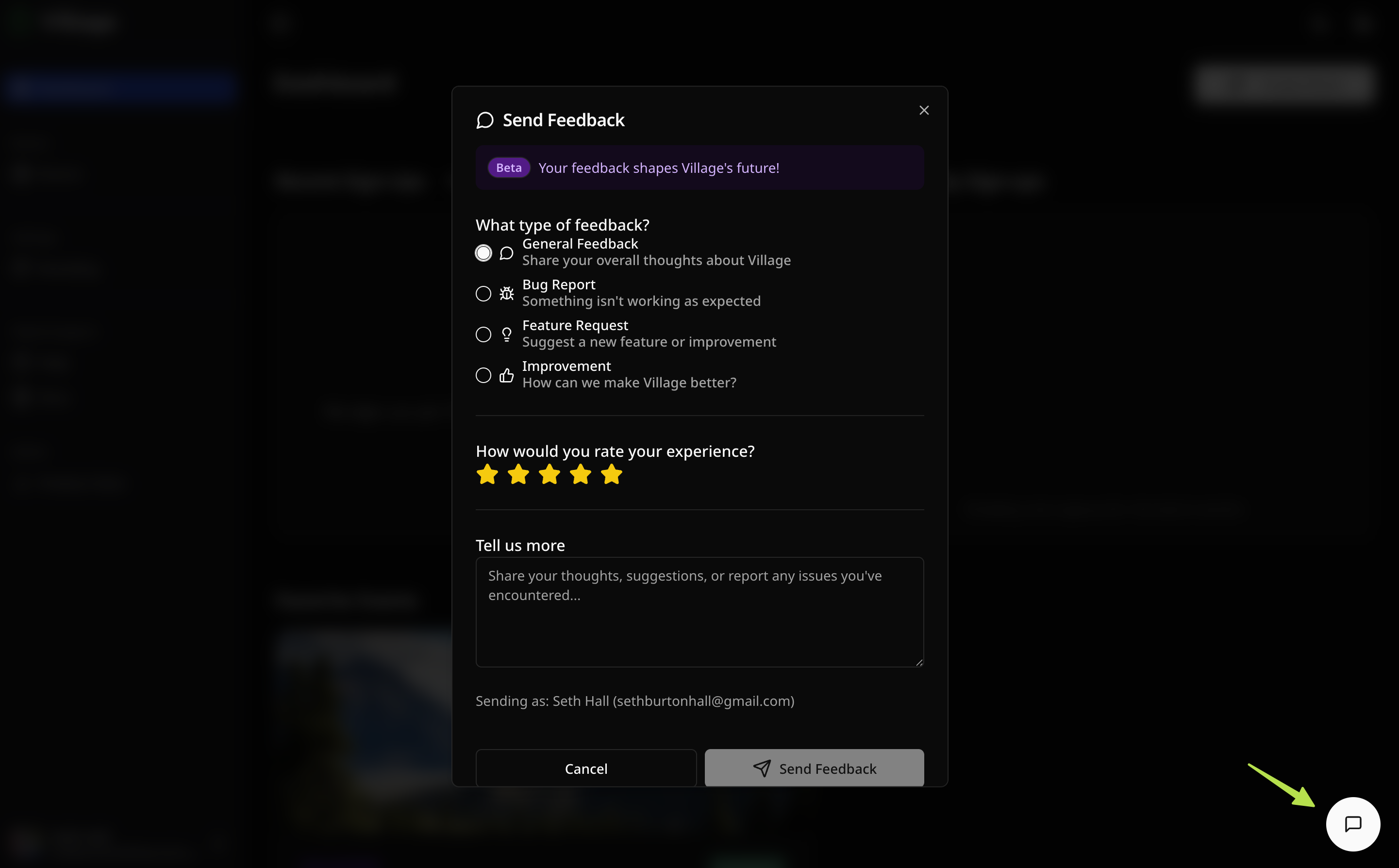
In-app feedback button
Section titled “In-app feedback button”A feedback button is always visible in the bottom-right corner of the app. Click it at any time to open the feedback form.
The form includes:
- Type — choose a category for your feedback:
- General — anything that doesn’t fit another category
- Bug Report — something isn’t working as expected
- Feature Request — something you’d like Village to add
- Improvement — a suggestion to make an existing feature better
- Rating — rate your experience on a 1–5 star scale
- Message — describe the issue, idea, or observation in your own words
Every message is read by the Village team. Don’t hold back — even small observations are helpful.
Help Center
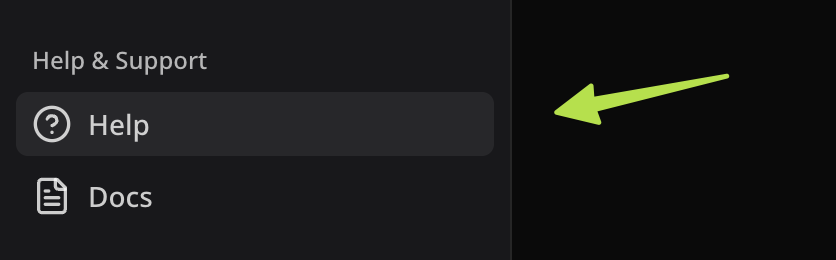
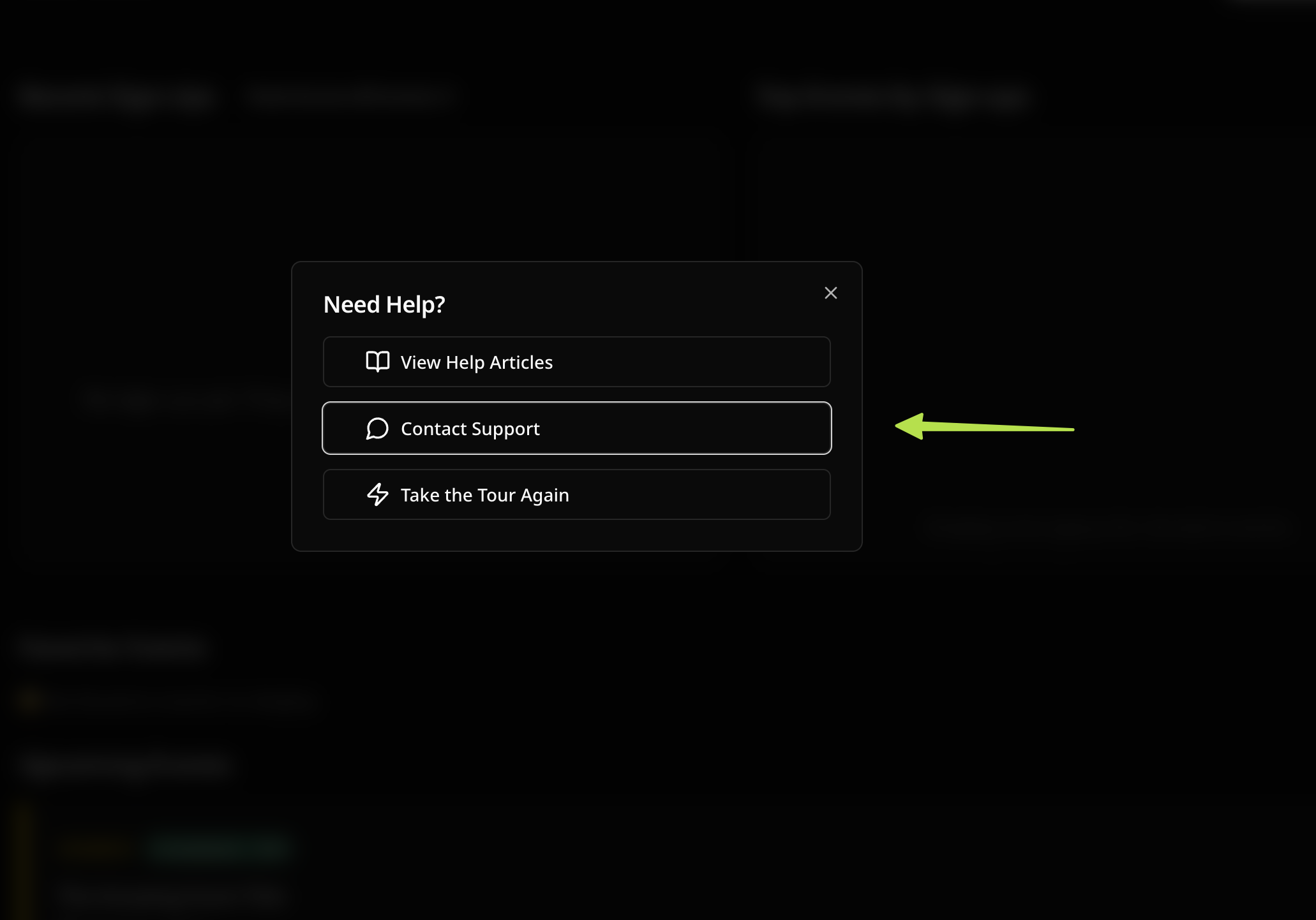
Section titled “Help Center”Click Help in the sidebar navigation to open the Help Center. From there you can:
- View Help Articles — quick link to these docs
- Contact Support — reach the Village support team directly through the feedback form
- Retake the Tour — replay the welcome tour that introduces Village’s core features
Useful links
Section titled “Useful links”| App | app.usevillage.app |
| Website | usevillage.app |
| Docs | docs.usevillage.app |
What’s coming Beta
Section titled “What’s coming ”BetaBeta users can help shape the future of Village by providing feedback on upcoming features.
These features are being considered for future updates:
- Team management — invite team members to help manage events
- Granular role permissions — control what each team member can view and edit
- SMS notifications — text message reminders and confirmations for attendees
- Event analytics — sign-up trends, conversion rates, and attendance insights
Have a strong opinion about what should come first? Use the in-app feedback form to let us know directly.
Troubleshooting common issues
Section titled “Troubleshooting common issues”My event public page isn’t showing up. Make sure your event is published, not in draft status. Draft events are not listed in the public-facing view, but you can see them on your Events page. Check that the yellow “Draft” badge is not showing on the event card.
Attendees say they didn’t receive a confirmation email. Ask them to check their spam or junk mail folder. Confirmation emails are sent immediately after sign-up. If the issue persists, contact support.
I can’t create more than 3 events. The Free plan allows up to 3 published events at a time. To publish a new event, either delete or cancel one of your existing published events to free up a slot, or upgrade for unlimited events.
The sign-up form is showing “event is full.” All available slots have been filled. You can increase the slot count by editing the event. If you remove an attendee, their slot is automatically returned.
I made an edit and all my attendees got an email. This is expected behavior — Village sends an event update notification to all existing sign-ups whenever a published event’s title, short description, or date/time is changed. To minimize notifications, batch all your changes and save once.